I bought the Luma mesh wifi system back in 2017. I think at the time it was a decent mesh network (I just looked at amazon and I was surprised to see it’s still being sold…not sure though if the most recent product is any good…some newer reviews still seem positive). It wasn’t the best system for us though…We bought 3 but I had to buy two extra stations for our two-floor 2800 sq ft. home (a total of 5 stations) and the network still seemed weak and pretty spotty in certain areas. So for the past years we’ve lived with it until recently it started really acting up…losing or weakening connection where I usually had decent connection.
Before that was happening more consistently, I was looking at the new and/or updated systems. I kept reading the tech blogs on the best mesh wifi system. They all seem like they were pretty good but I kinda just wanted something simple, low maintenance, well-reviewed and value priced (not too cheap, not too pricey). I have kids too…so something that will help me manage their devices’ access and internet schedules.
Also, Luma had a pretty easy and straight forward app. I wanted a system that had something simple like that as well.
A few months ago I went to Best Buy to check out the mesh systems and look at the boxes, maybe chat with the sales people. After my research, I settled on two systems, the Nest Wifi and Eero. They were in my price range and seemed powerful enough to handle my space. I was there for about 30 min just poring over the boxes, looking online for any extra tidbits of info or reviews that might sway my decision. I even chatted with the sales people. They were heavy on the Eero as being the superior system. I wasn’t sure if that was a personal choice or a company directive. I chatted with three separate people and they were unanimous…it was kinda weird. Anyway, I was leaning toward Eero even before that so I made the jump.
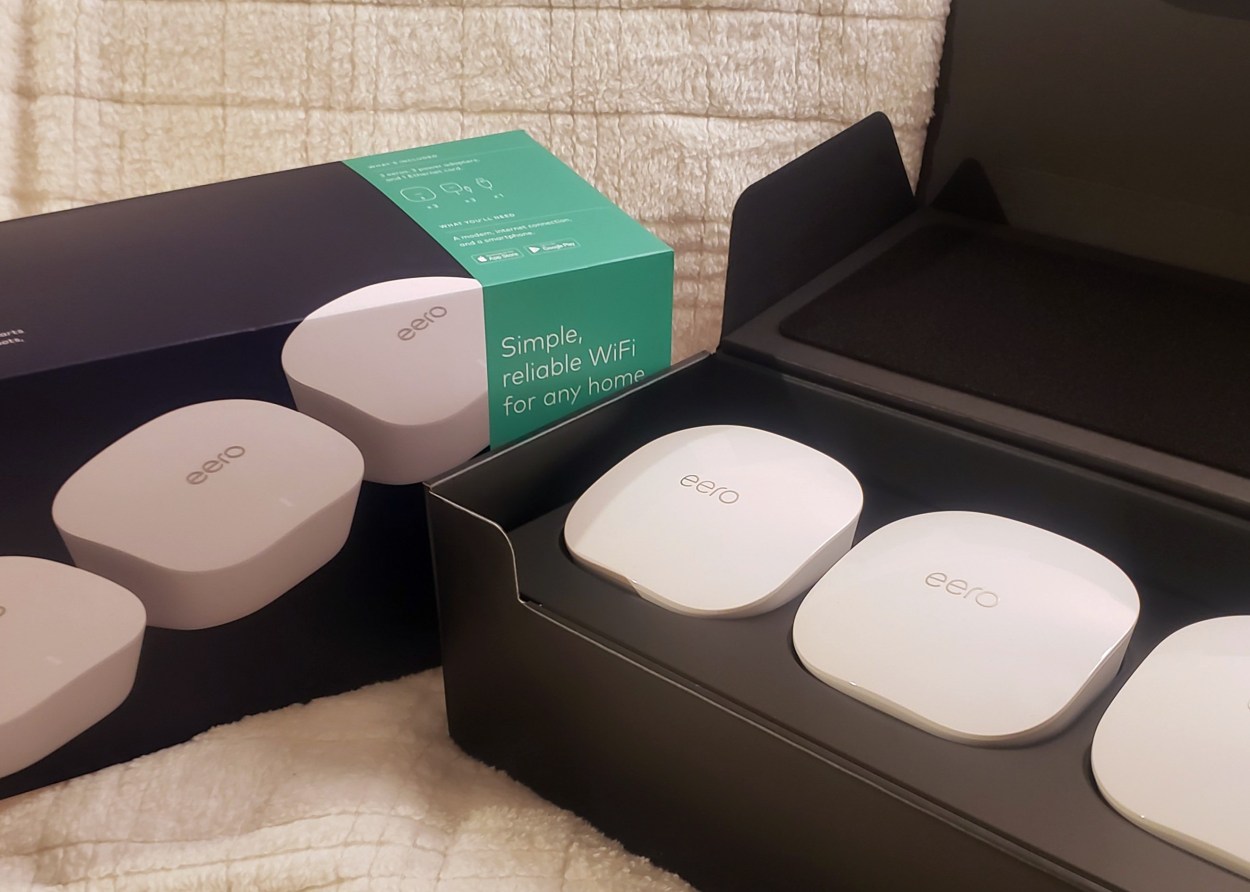
Back at home, I unboxed everything and it was pretty basic. I got the regular 3 pack (not the pro…I didn’t think I needed it and the Eero pro is almost twice the price).
Here are some pics from the unboxing:
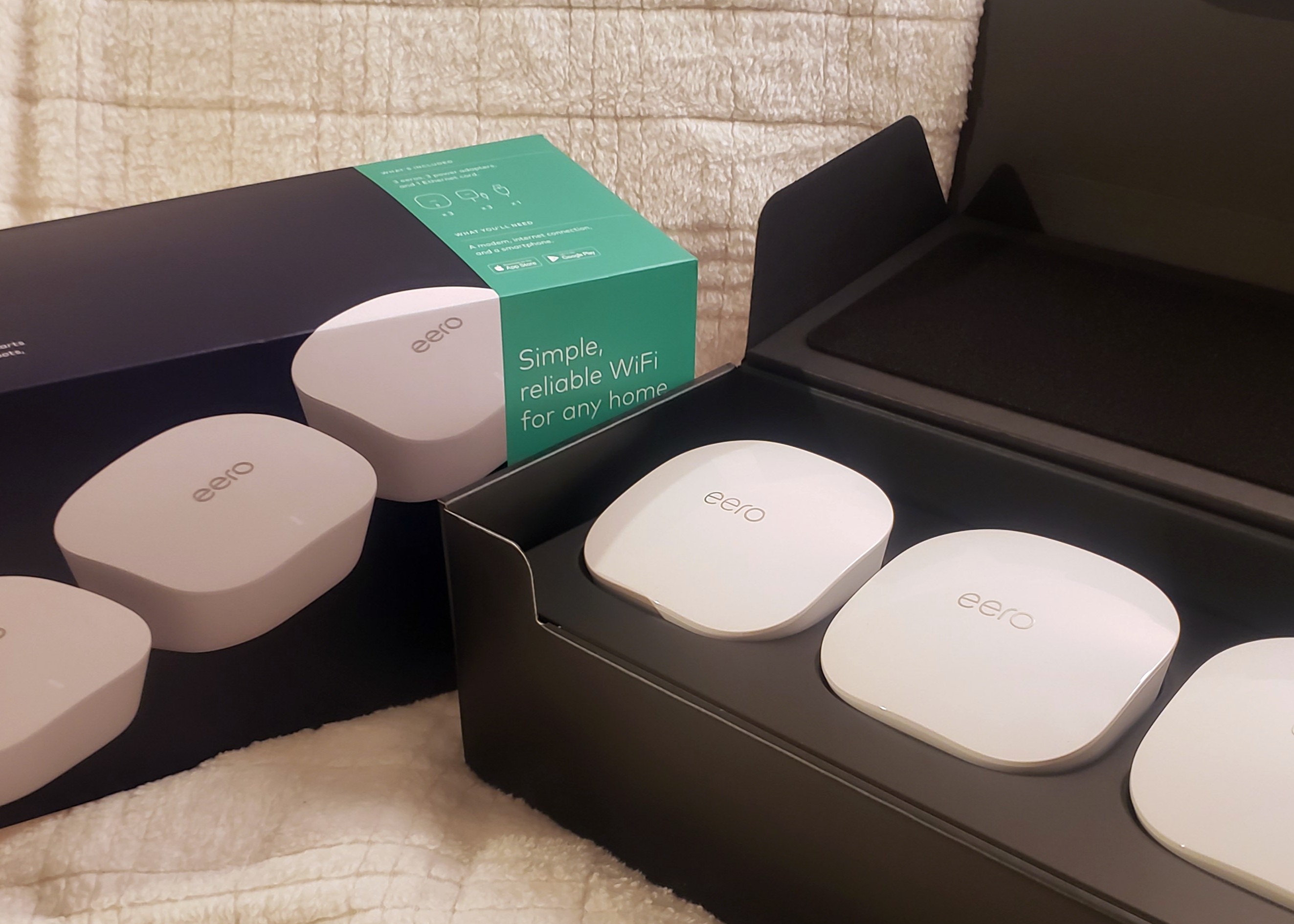
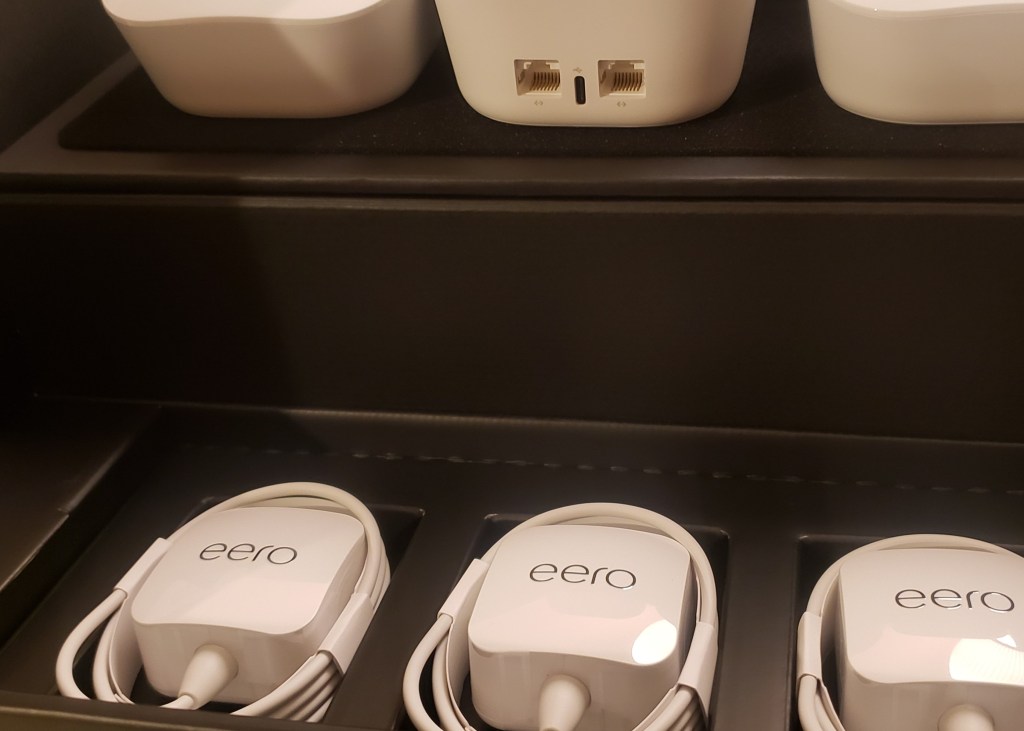
The accompanying chords and a cat5 chord (in black box to left). Also, one input jack in and one out for the back of each unit.
Setting up the Eero system was pretty straightforward. I do like how it was plug and play. Install the Eero app then follow instructions as you add each unit. I kept my old network name and password and all of my devices (35+) reconnected without any hiccups. With the app I was able to add family/category profiles and connect devices to each accordingly. The only annoyance I had was renaming devices in the app. I would rename a device then assign it to a profile but then I would lose the new name. It was weird and frustrating but I just had to rename all the devices then go back for a second round and assign them to a profile.
As you know, for any mesh system, you have to play around with where you put each unit for best connectivity. That took about 20 minutes walking around the house with my phone using fast.com
It’s been over a few months and connections are still great.
I have 100 MB/s up and down. Previously with my old Luma, I was getting 10-12 MB/s in the spotty areas. Now, in those same areas, I”m getting 70-80 MB/s. In the areas that had better connections, I am getting the full 100…sometimes even a little more.
I’m pretty happy with my upgrade so far. The Eero Wifi System was a good price, easy to setup and really improved the performance of my home’s network.
Please consider the this link for purchase.
Full exposure: We are part of Amazon’s affiliate program so we do receive a small percentage from your purchase. Thank you for your support!!
 The Tech Groupie